Job Properties and Job Internals Panels
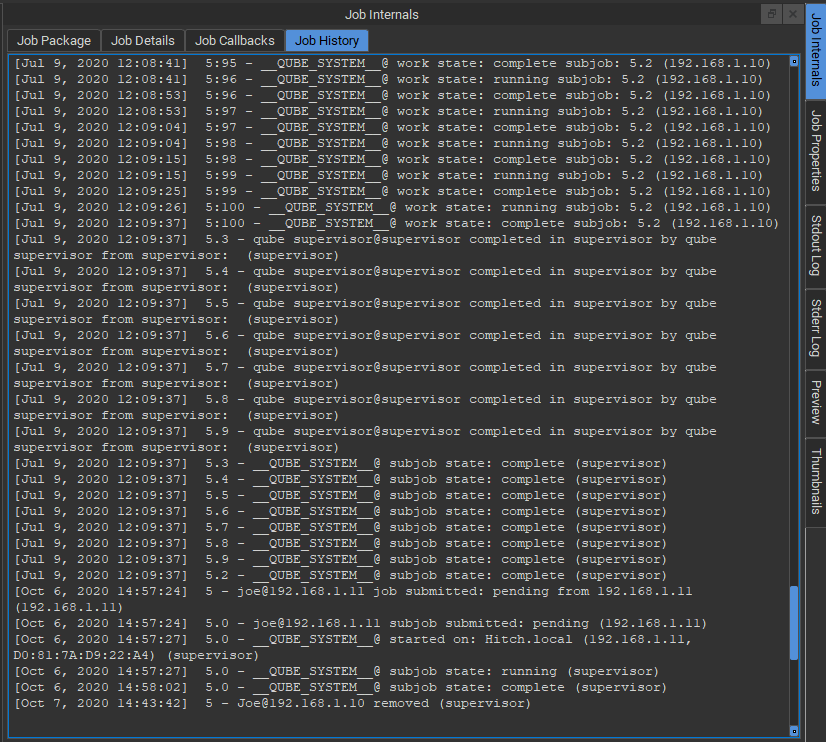
Job Properties Panel
The Job Properties Panel shows basic information about a job on the Qube! farm, such as the example below.
Job Internals Panel
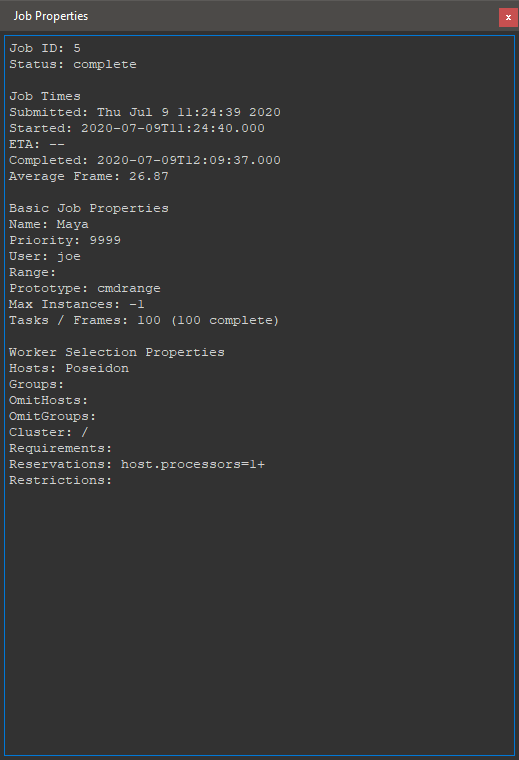
The Job Internals Panel provides more detailed information about a job. It is separated into four tabs, Job Package, Job Details, Job Callbacks and Job History.
Job Package tab
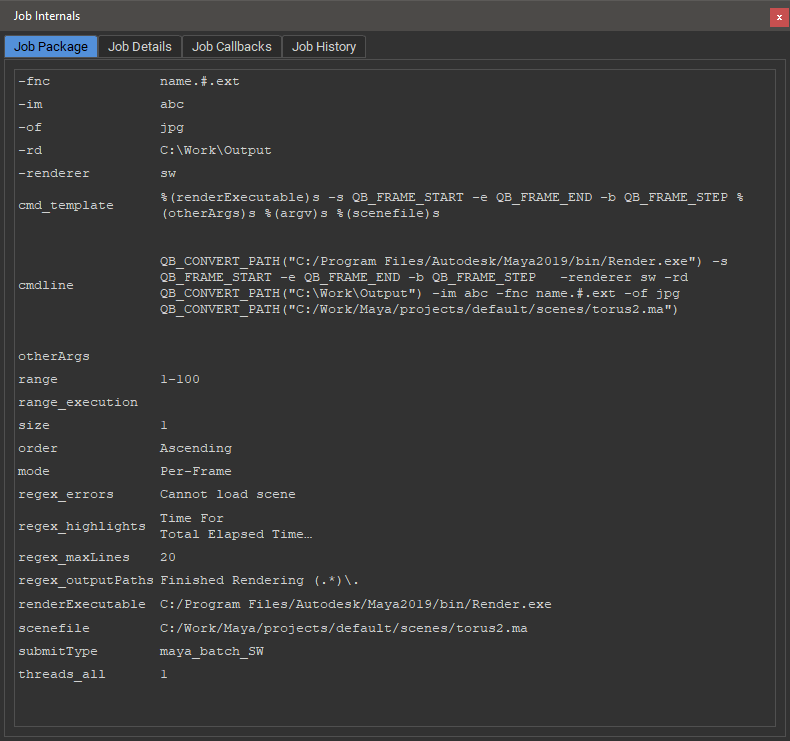
View the in the Job Package Tab.
Job Details tab
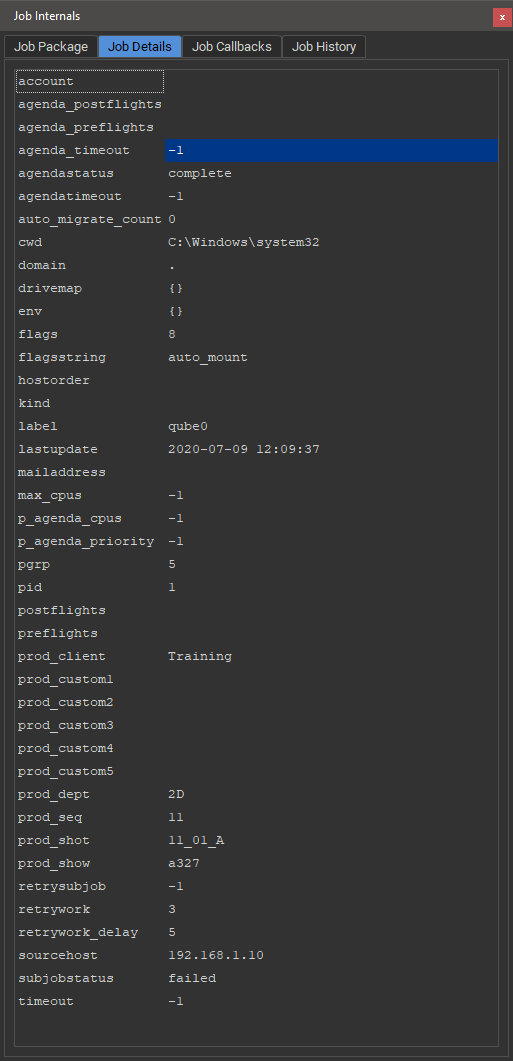
The Job Details tab shows Qube! job submission information associated with the selected job. Check here for things like the render's working directory, drive mapping or meta data provided on submission.
Job Callbacks tab
The Job Callbacks tab shows a text representation of any job callbacks.

Job History tab
View the history of the job on the Qube! farm in the Job History tab.